

SenseAnywhere Ireland

AssetTag

AssetTag

Instruction Image TA With Text 1

(Re)Calibration made easy!

Find reseller

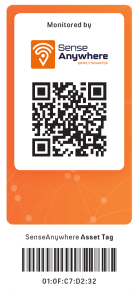
The AssetTag allows for easy swapping of AiroSensors, without losing data. The accessory has a QR-code attached that, after scanning, allows for another AiroSensor to continue measurements. This makes it easy to swap an AiroSensor that needs to be (re)calibrated. In addition, all pre-set alarms and settings are active for the new AiroSensor, so no reconfiguration is required. Therefore, no monitoring gaps will occur, and data loggers can be switched at any time.

Monitor

Monitor temp/RH of the asset

Swapping

Hot-swapping

Reconfiguration

No reconfiguration needed (Alarms, reports, etc.)

Monitoring

No monitoring gaps
SenseAnywhere free 7 day trial

Questions & answers

Frequently asked questions

AssetTag makes it easier to replace an AiroSensor without losing the asset's monitoring continuity. The page highlights recalibration as a common reason for a swap. Measurements remain associated with the asset rather than requiring a completely new monitoring history for every logger.

The accessory has an attached QR code that is scanned to allow another AiroSensor to continue measurements. This is the workflow described on the product page. Follow the appropriate system steps so the replacement logger is associated with the intended asset.

The page states that preset alarms and settings remain active for the new AiroSensor. It therefore describes no reconfiguration as a benefit. This applies to the intended AssetTag swapping process, which should be followed correctly when replacing a logger.

Yes. The page's reconfiguration feature specifically includes alarms and reports, and its explanation says the new AiroSensor uses the preset settings. This helps reduce administrative work during a swap. Verify the replacement and records as part of your own calibration procedure.

The product page describes monitoring the asset's temperature and relative humidity and maintaining that history through logger changes. The actual measured channels depend on the AiroSensor used. AssetTag supports the association and continuity rather than adding a new humidity sensor to every model.

The page says data loggers can be switched at any time through the described accessory workflow. This makes planned recalibration or replacement more flexible. Operational procedures should still ensure the right replacement logger is available and correctly associated.

The page presents AssetTag as an accessory for swapping AiroSensors that need calibration or recalibration. It does not describe calibrating the asset being monitored. Calibration applies to the measuring equipment and should be arranged according to the relevant service and quality requirements.

A new AiroSensor can continue measurements after the tag is scanned, while preset settings remain active. The page describes this as avoiding monitoring gaps and data loss during swapping. Correct use of the replacement workflow is important to achieve that continuity.

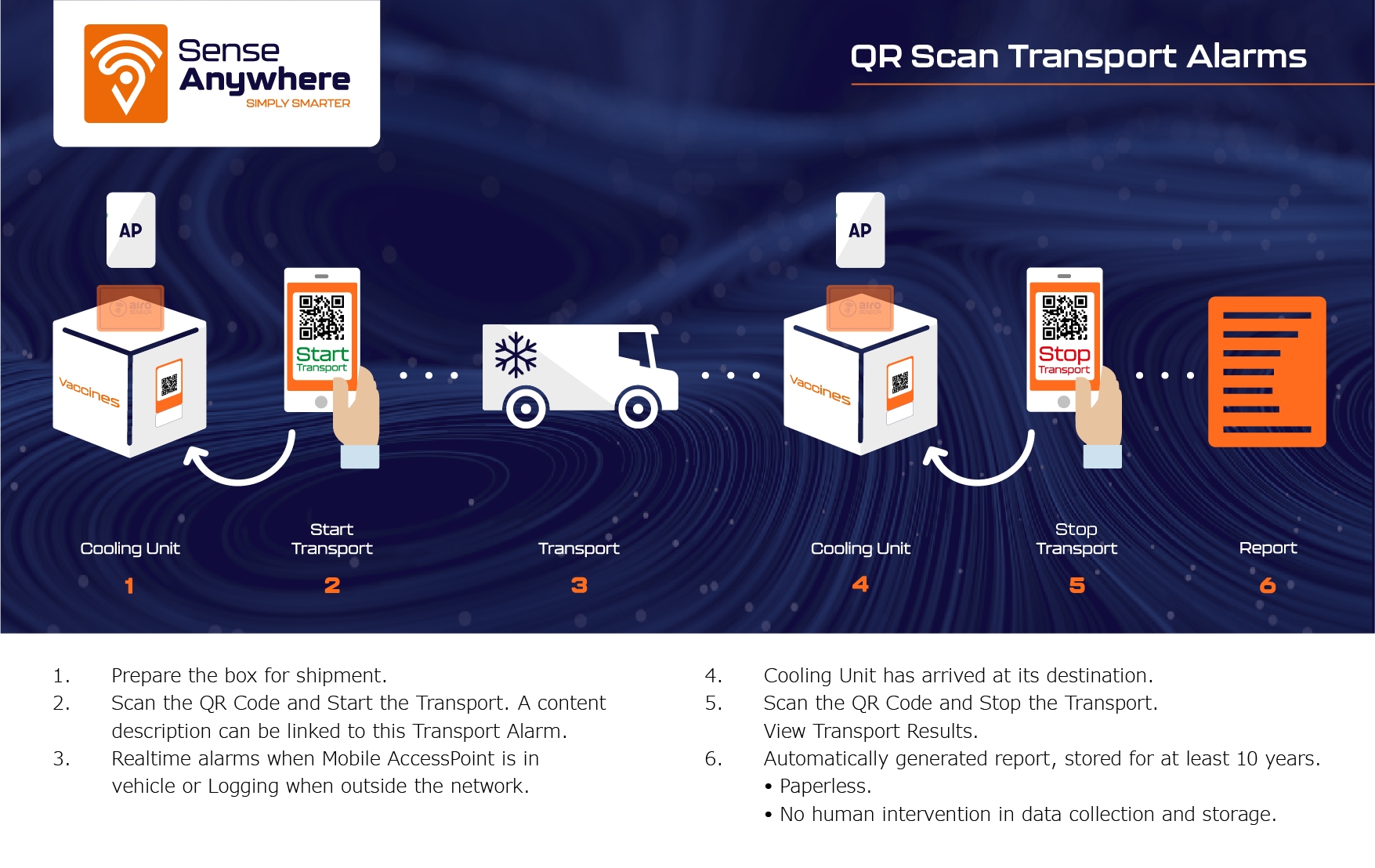
The AssetTag page includes an instruction image alongside its QR-code and hot-swapping explanation. Review that material when discussing the process with the team. If your staff need operational guidance, request training for the actual equipment and portal workflow.

Confirm the AiroSensors involved, the asset association and the process for scanning and activating the replacement. The page explains the continuity benefits but does not publish every installation detail. Align the swapping procedure with your calibration records and monitoring responsibilities.